

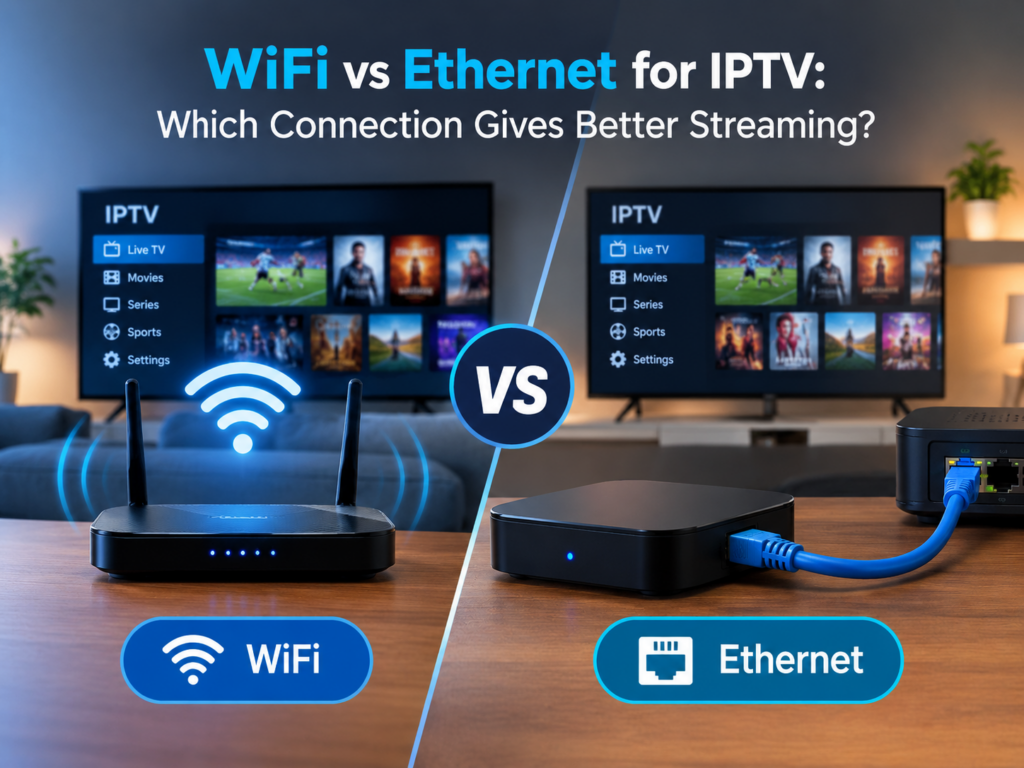
Without an internet connection, you cannot enjoy live channels, sports, movies, or other on-demand content without lag and buffering. What is the best option between WiFi vs Ethernet for IPTV streaming? There isn’t one, as it ultimately comes down to the type of device you use, the network, and the setup or environment you watch IPTV in.
WiFi for IPTV Streaming
Excellent for removing the cable connection from your router to your device. When used in combination with a strong signal and a fast internet connection, a good IPTV over wifi has the ability to stream in HD quality and even 4K. Compatible with any Wi-Fi-compatible streaming device like a Firestick, smart TV, tablet, smartphones, and other wireless devices.
Wi-Fi can be susceptible to throttling based on what is between you and your network and can be hindered by other devices in your house or outside interference. Furthermore, if more than one device is connecting to the same Wi-Fi connection and streaming, it may impact performance. Positioning your Wi-Fi nearer to your device and upgrading to a new standard could improve IPTV connection.
Ethernet for IPTV
You connect your streaming device directly to your router using a physical network cable Ethernet for IPTV, which provides a more stable connection for most home environments since it is more immune to wireless interference.
This is particularly useful when streaming live sports or high-definition videos, where jitters in the connection will cause lagging. If your smart TV, IPTV box, or streaming device have an Ethernet port, then you can consider a wired option as a permanent streaming source.
Which Is the Best Internet Connection for IPTV?
Which is the best internet connection for IPTV? It depends on how you set up your devices. Ethernet is also generally good when your router and other device you are streaming from are close enough to use a cable. WiFi is more flexible when cable connections are impractical.
No matter what type of connection, having enough bandwidth, computer power, and a good network are essential. EPIX IPTV allows streaming HD, FHD & 4K only where the bandwidth and your device allow for this. The service is optimized to be used on Smart TV, Firestick, Android, iOS, Windows, MAG boxes, and other devices.
How to Improve IPTV Connection Quality
There are a few simple steps you can take to optimize your streaming. Position your wifi in the middle of the house, minimise network usage, keep your streaming device up to date, and if you are streaming a high-bandwidth show on a computer close to the internet router, you may want to connect with Ethernet.
EPIX IPTV closely manages its servers and supports device compatibility to ensure consistent playback. Live TV channels, movies, shows, sports, and international programming are all available to users on supported devices.
Final Thoughts
Deciding between WiFi and Ethernet connection: Also, keep in mind that it depends on your home network, where your equipment is, and how easy it should be. Ethernet is wired, while WiFi gives you a little more freedom in mobility and easier installation. EPIX IPTV is suitable both for a “Real” home network with a TV, STB, and other equipment and for broadcast HD, FHD, and 4K, where bandwidth and equipment resources are sufficient.