

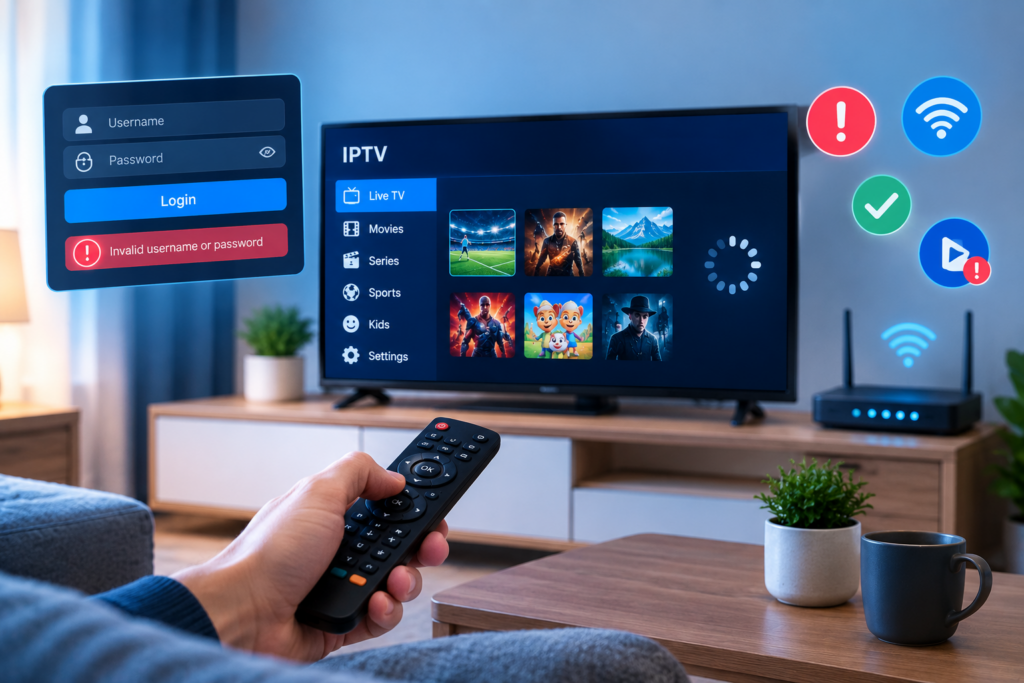
Watch live chancnels, sports, movies, shows, and international channels more easily with IPTV on any supported device. Sometimes, IPTV users run into trouble while logging in or during playback. If you want to troubleshoot common IPTV login problems or playback problems, this guide will help you fix those problems efficiently.
Common IPTV Login Problems
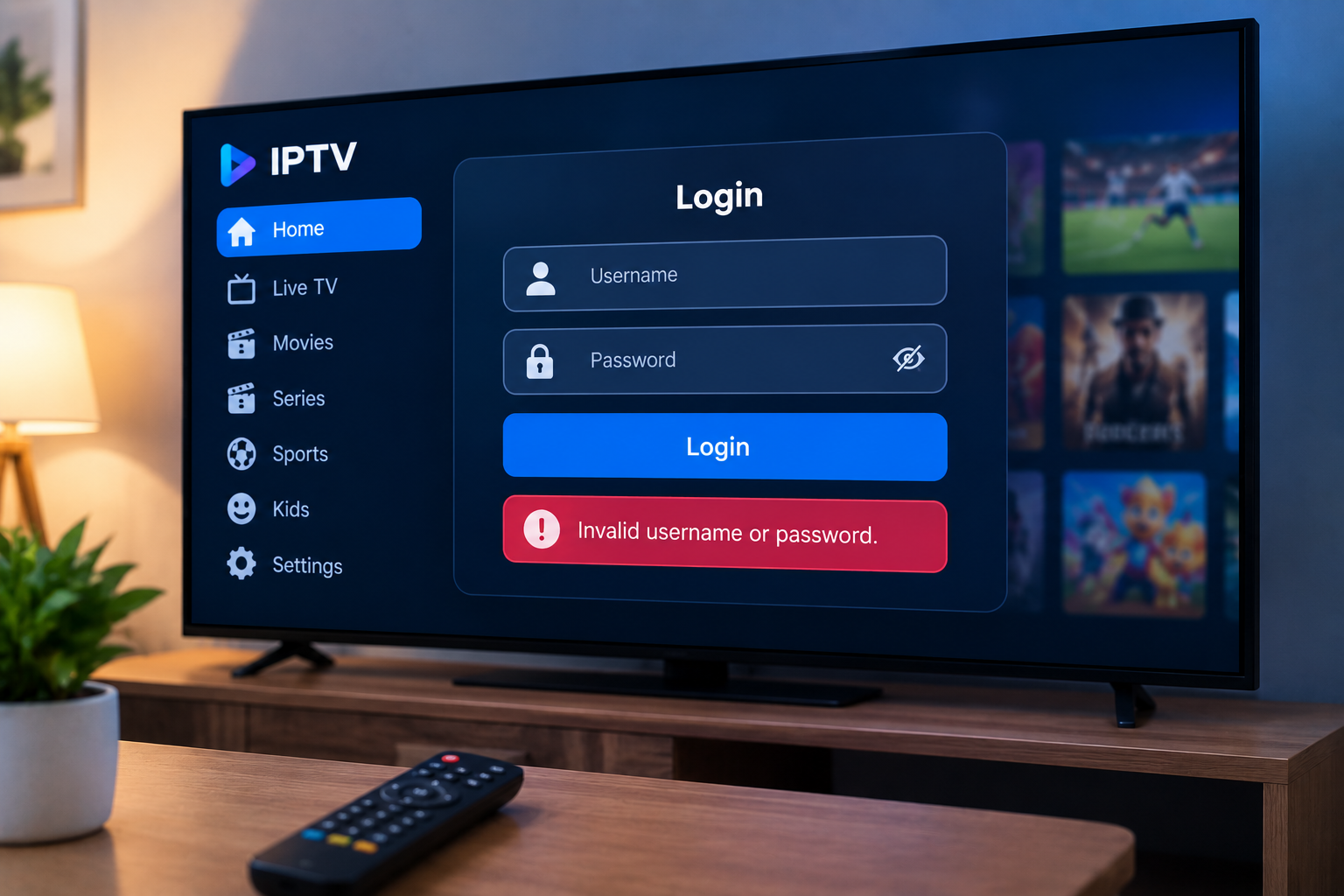
Most of the time, users type their login details wrongly, which results in the IPTV login failed error. So, always recheck your username, password, or any other credentials you have been given, and make sure you have not made any spelling mistakes or entered extra spaces.
Your subscription also might be the problem. Check to see if you have your package activated and your account enabled for the device and connection allowance.
Fixing an IPTV Authentication Error
There was a IPTV authentication error: subscription; subscription details can’t be validated. Restart and log in to the app. Confirm that you enter the right details when you log in to the app. Make sure you use the right details for your current subscription.
If this continues, check your account or activation info. Login issues, download and load playlist errors, installing the app, and other issues. Support for EPIX IPTV users.
IPTV Channels Not Loading
If IPTV channels not loading, it might have something to do with your internet connection, playlist, app, or account. First, verify that other websites or streaming services are functioning correctly from the same device.
Reboot your router and then turn on your streaming device. If your IPTV app has an option to refresh the playlist, try that, and wait for your list of channels to load. Verify that your device is compatible with the IPTV service and that you entered all your account info correctly.
Fixing an IPTV Playback Error
If an IPTV Playback Error Is Showing, Show will not start, Showing Buffering, Stops During Playback – First Check Internet Connection The quality of your online streaming is inevitably governed by the bandwidth and bandwidth stability.
If you’re watching in HD, FHD, or 4K, confirm that your device and your internet connection are able to stream at the quality you chose. If the video won’t stabilize, the quality might be too high; turn it down (if the player offers that option). Or, restart the app.
IPTV Troubleshooting Tips
Before we delve into the IPTV troubleshooting stages, here are a few things you should examine before you start troubleshooting any other issues.
- Confirm that your subscription is active.
- Verify your login credentials.
- Check your internet connection.
- You should try rebooting your router and streaming device.
- You can re-try refreshing the playlist if applicable.
- Confirm that your device is compatible with EPIX IPTV.
- Upgrade or reinstall the EPIX IPTV application
- Contact customer support if the issue continues.
EPIX IPTV is compatible with Smart TVs, Android, iPhone, Windows, Fire TV, Apple TV, MAG boxes, browsers, and other compatible players. EPIX IPTV’s service model additionally incorporates instructions for installation, login issues, playlist loading, and playback defects.
EPIX IPTV Support and Trial Access
People who are exploring an epix iptv free trial have access to a 36-hour free trial to try a plan once the provider agrees to the trial. Users seeking epixiptv usa online can view the plans, devices, activation, and technical requirements.
Conclusion
Login and Playback Errors Need Not Be Difficult. Not many problems can be solved by examining account information, subscription information, internet connection, playlists, device, etc. EPIX IPTV offers HD, FHD & 4K streaming (depending on bandwidth & hardware) and live chat support or WhatsApp. We also offer installation & login support and help with loading playlists or playback issues. This makes owning your own IPTV solution much more manageable.