

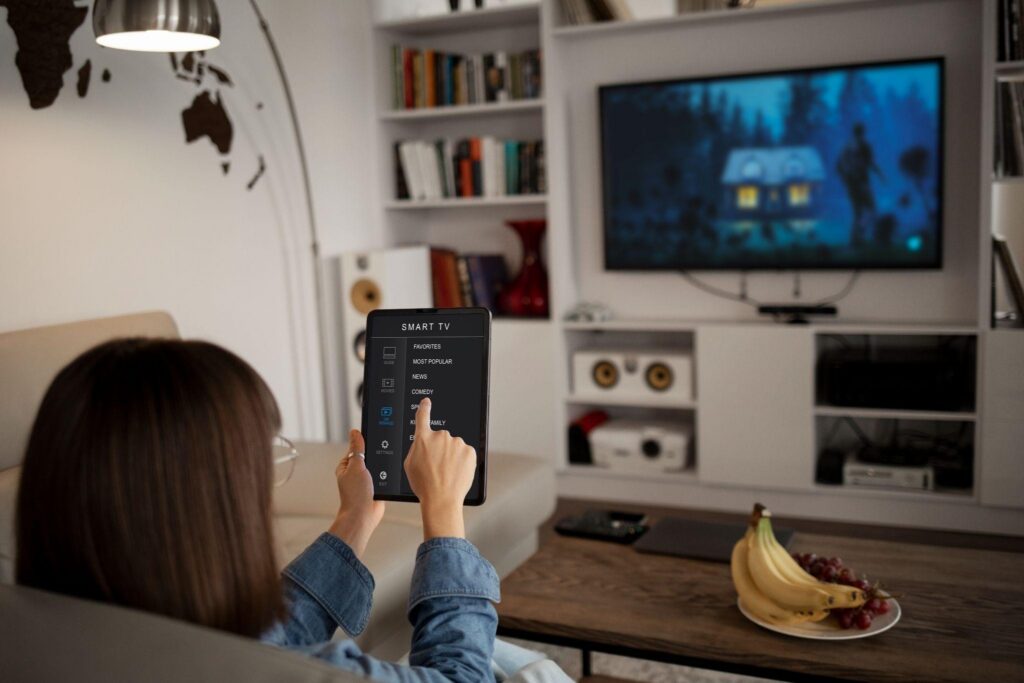
“4K” gets thrown around so often in streaming ads that it barely means anything anymore. But the difference between a real 4K stream and a 1080p stream that’s been upscaled to look sharper is obvious the second you sit close to a big screen. Before you assume your setup is ready for it, it’s worth understanding what 4K IPTV streaming actually demands, because picture quality is only half the story.
What Makes 4K Different From HD?
The jump from HD to 4K isn’t just a marketing bump. It’s a real difference in how much information your screen is displaying every second, and that has consequences for everything downstream.
Resolution and Detail
4K packs roughly four times the pixels of standard 1080p HD. On a small phone screen, you might not notice much. On a 55-inch TV from across the room, the difference in texture, depth, and fine detail is hard to miss once you’ve seen it side by side.
File Size and Bandwidth
More pixels means more data, every single second. That’s the tradeoff nobody mentions in the ads: gorgeous picture quality comes with a real bandwidth bill, and if your connection can’t keep up, you’ll spend more time staring at a loading icon than the actual show.
Benefits of 4K IPTV Streaming
- Noticeably sharper detail, especially on larger screens
- Richer color range on displays that support HDR
- Better handling of fast motion sports and action scenes holds up much better in true 4K
- A picture that ages well as more households upgrade to larger, higher-resolution TVs
Internet Speed Requirements for 4K
This is the part people skip past and then wonder why their 4K live TV looks worse than expected.
Streaming Quality | Minimum Recommended Speed |
Standard Definition (SD) | 3–5 Mbps |
HD (1080p) | 10–15 Mbps |
4K / Ultra HD | 25 Mbps minimum, 50 Mbps+ for consistent smoothness |
Multiple 4K streams at once | 100 Mbps or more |
That 25 Mbps figure is the bare minimum most platforms recommend. Netflix specifically lists it as its own 4 K threshold. It’s the number that gets you playback without constant rebuffering, not necessarily a smooth, stutter-free experience, the moment something else on your network needs bandwidth too.
Common Buffering Issues With 4K Streaming
Buffering issues scale up with resolution. What was a minor blip at 1080p can become a full stop at 4K.
Network-Related Causes
- Wi-Fi that seems like it can’t keep a steady, high bandwidth link going for a very long time
- Other gadgets on the network are taking up the same narrow bandwidth, like a quiet race
- Your ISP may be throttling speeds during peak evening hours in certain neighborhoods
- A pretty long physical gap between your router and the streaming device, which slows things down
Device-Related Causes
- Older streaming boxes or smart TVs that technically support 4K but struggle to decode it smoothly
- Insufficient processing power for higher bitrate streams
- Outdated firmware or apps that haven’t been optimized for newer codecs
Tips to Get the Best 4K Streaming Quality
- Use a wired Ethernet connection to your streaming device if you can. Wi-Fi introduces variability that 4K doesn’t tolerate well.
- Make sure your router and plan actually support the speeds your streaming needs, not just the advertised maximum.
- Close out background downloads, cloud syncs, or other bandwidth-heavy apps before you start watching.
- Check that your streaming device itself supports 4K decoding; some older hardware caps out at 1080p regardless of your internet speed.
- If multiple people in the house stream simultaneously, budget bandwidth accordingly rather than assuming one connection covers everyone.
Streaming speed is the variable most people underestimate, and it’s the one thing standing between a library full of crisp HD IPTV channels and an evening spent watching a loading spinner instead.
Frequently Asked Questions
What is 4K IPTV streaming?
It’s the delivery of ultra-high-definition video, roughly four times the pixel count of standard HD, over an internet connection rather than through cable or satellite.
Does IPTV support HD and 4K quality?
Yes, most modern IPTV services offer both HD and 4K, depending on the source content and your device’s capabilities.
What internet speed is required for 4K IPTV?
A minimum of 25 Mbps is the commonly cited threshold, though 50 Mbps or more gives you a much more consistent, buffer-free experience.
Why does IPTV buffering happen?
Usually, a combination of insufficient bandwidth, Wi-Fi instability, network congestion from other devices, or hardware that can’t keep up with higher-resolution streams.
How can IPTV streaming quality improve?
Upgrading to a faster, more stable connection, switching to a wired connection where possible, and making sure your device actually supports the resolution you’re trying to stream all make a measurable difference.